
Let's talk about resource usage and how to access them by granting permissions to access other folders.
If we modify the ticket.html screen to, for example, insert a logo in the title, by adding the image to the 'web' directory, it could be as simple as this:
Code: Select all | Expand
<img src="web/logo.png" width="50px"/>
<b>Movie Ticket</b>
<hr>
But let's put our resources, in this case images, somewhere else to separate the application code from the resources. We'll create a folder in our root directory called /images, so now we'll have two folders: web and images.
Code: Select all | Expand
Hix
 +--- images
 +--- web
Code: Select all | Expand
<img src="images/logo.png" width="50px"/>
<b>Movie Ticket</b>
<hr>
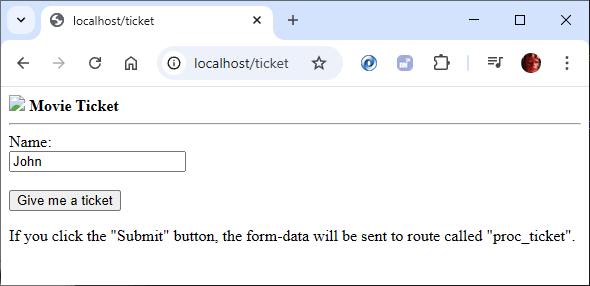
The reason is easy to understand. Hix protects our entire system and only allows access where we permit it. By default, we had the root folder (web) accessible, but now we also want to use a folder where we'll store all our resources, in this case, images.
To do this, we'll select the 'folders' command, and this is where we can define access to the different folders in our Hix system. We'll add the 'images' folder.
Code: Select all | Expand
  Folder Name              Index
 ═══════════════════════════════════════════════
   images                     N
We can grant access to folders for different types of access and we just have to specify it in this 'folders' section.
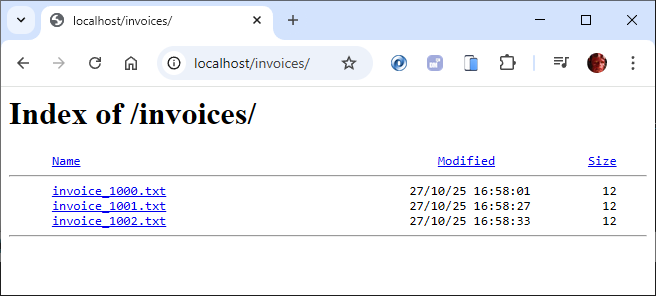
Imagine we want to have a folder where we store invoices for users to download; we would define it here. This just leaves explaining the 'Index' column. If set to 'Y', the system will show the contents of the folder, which can be useful in some cases.
Code: Select all | Expand
  Folder Name              Index
 ═══════════════════════════════════════════════
   images                     N
   invoices                   Y
If we specify 'N', we can only access it if we know the exact resource name: localhost/images/logo.png
Is it easy?
C.