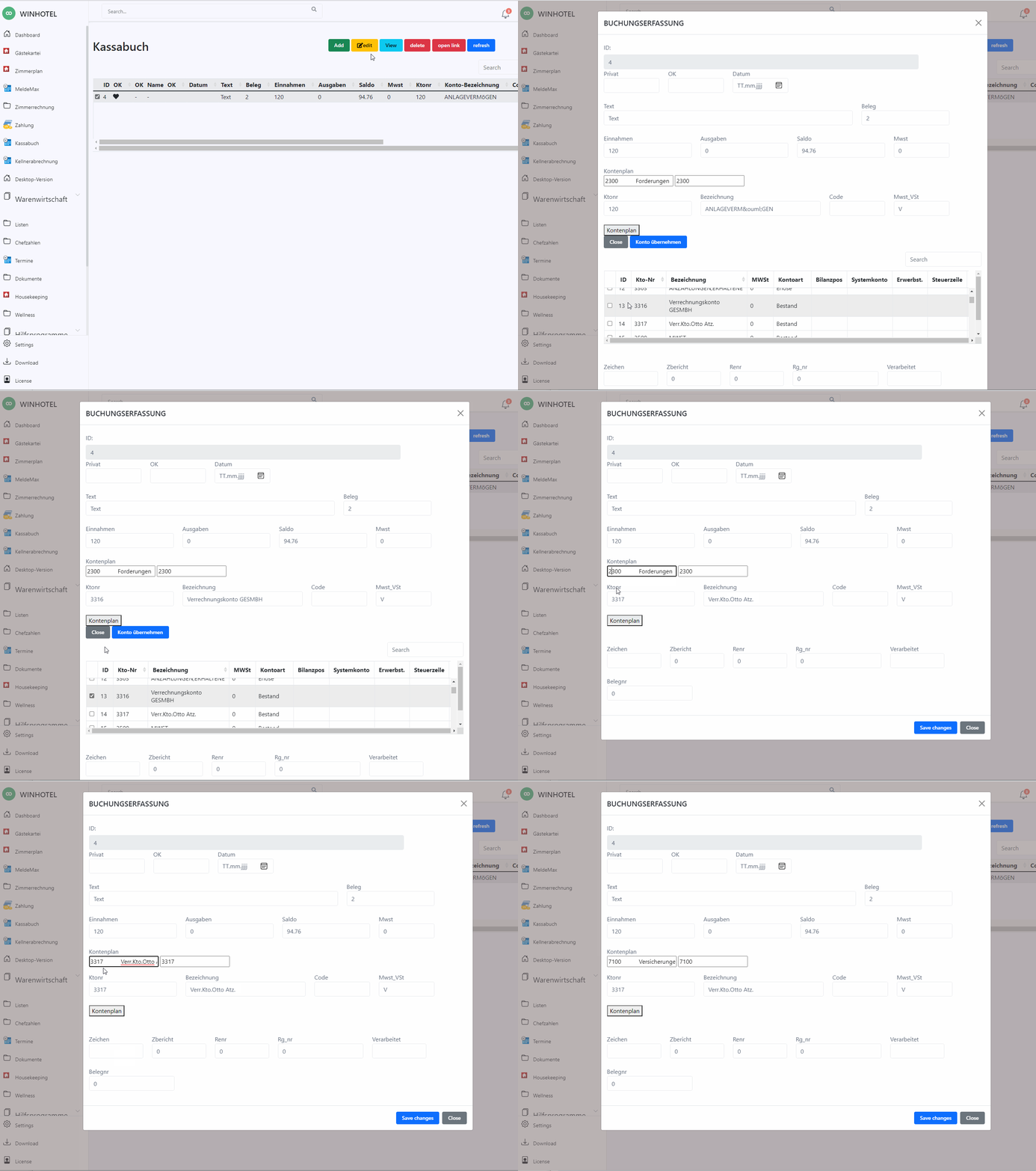
HTML 5 modal dialog on modal dialog is not supported
Autocomplete
Autocomplete Appearing behind the Modal popup
https://stackoverflow.com/questions/223 ... odal-popup
Thanks, I upvoted because this solved my problem within seconds of searching for a solution. You can use an element's ID in the appendTo option like so appendTo: "#your_element_id".
Code: Select all | Expand
    <p>Modified Behavior<br>
    <input id="autocomplete2" type="text" placeholder="U.S. state name">
    <input id="autocomplete2-value" type="text" name="code"></p>
<script>
    /*
     * jQuery UI Autocomplete: Using Label-Value Pairs
     * https://salman-w.blogspot.com/2013/12/j ... mples.html
     */
    var data = [
        { value: "AL", label: "Alabama" },
        { value: "AK", label: "Alaska" },
        { value: "WI", label: "Wisconsin" },
        { value: "WY", label: "Wyoming" }
    ];
    $(function() {
        $("#autocomplete2").autocomplete({
            source: data,
            focus: function(event, ui) {
                // prevent autocomplete from updating the textbox
                event.preventDefault();
                // manually update the textbox
                $(this).val(ui.item.label);
            },
            select: function(event, ui) {
                // prevent autocomplete from updating the textbox
                event.preventDefault();
                // manually update the textbox and hidden field
                $(this).val(ui.item.label);
                $("#autocomplete2-value").val(ui.item.value);
            },
            appendTo: "#editModal"

        })

    });
</script>